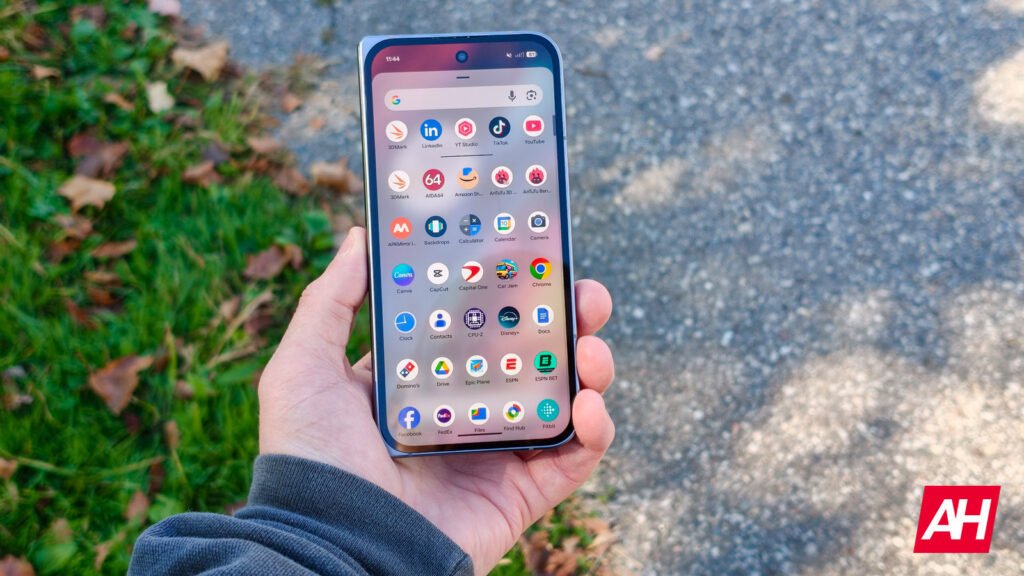

Whenever companies release software, it is usually the version that they deem as the most stable. But is it perfect? No. Could it be better? Yes. Over time, little updates here and there can greatly improve a software’s usability, and that’s something Google is doing with an update to the Pixel VPN status tile.
Google gives the Pixel VPN status tile an update
According to 9to5Google, the updated Quick Settings tile now displays your actual connection status instead of just repeating “VPN by Google” twice. The 2×1 tile shows four different states: Connected, Paused, Connecting, and Can’t connect. So if you’re wondering whether your VPN is actually protecting your data, you can check without opening anything.
These status descriptions aren’t new. They were already buried in the VPN by Google app. But pulling down Quick Settings is faster than digging through menus, especially when you just want to confirm you’re connected. The old setup was awkward because seeing “VPN by Google” twice didn’t tell you anything useful. Now it actually serves a purpose.
The update comes with version 2025.12.19.x of VPN by Google, but there’s a catch. According to 9to5Google, there’s a server-side component that needs to activate, so it’s not rolling out to everyone at once.
What is Pixel VPN?
VPN by Google comes built into Pixel 7 and newer phones at no extra cost. It’s there to protect your connection when you’re using public WiFi networks. Coffee shops, airports, hotels. Basically anywhere you’d connect to a network you don’t control.
The service hides your internet activity from whoever’s running that network. It also keeps your real IP address private from the websites and apps you’re using. According to Google, the company claims the feature doesn’t track or log your browsing activity, which is the whole point of having a VPN in the first place.
That being said, it isn’t as robust compared to other paid VPN services. There’s no region spoofing and it lacks more advanced features. We’re talking about custom DNS or protocol selection. Also, the fact that it is only limited to Google’s ecosystem means that if you don’t have a Pixel phone, you’re basically out of luck.
However, for a free feature and for those looking for basic protection, it’s more than adequate.


The post Google just made checking your Pixel VPN status way easier appeared first on Android Headlines.