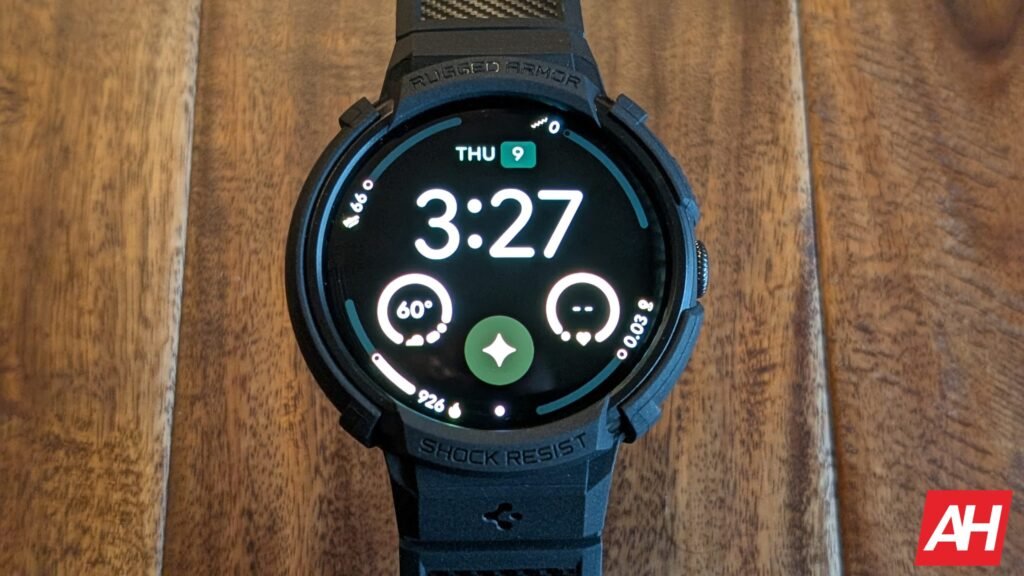

If you use a Fitbit or a Pixel Watch to track your daily fitness goals, you might have encountered some strange stats lately, especially after the recent March update. It looks like Google’s latest updates for these wearable platforms are dealing with some bugs. However, Google has confirmed it is working on a fix for recent Fitbit bugs, which left users confused about their daily goals around calorie intake. Furthermore, there’s a workaround for the Pixel Watch fitness errors before Google officially rolls out a fix.
Google is rolling out a bug fix for Fitbit’s daily calorie goals issue
For the past few days, the main Fitbit app has been failing to show users their remaining calorie goals for the day. The entire health stats section either turned up completely blank or showed totally incorrect information. This made planning of meals very problematic for many users. A Fitbit community moderator recently confirmed that the company finally found the root cause of the software problem.
A fix is currently rolling out to all Fitbit wearable users over the next few days. You might still see a quick error message when updating a food plan, but it should resolve very soon. If you set a manual fixed goal to bypass the initial bug, you need to remember to change it back manually once the update comes to your device.
You can manually fix the Pixel Watch health stats issues
It’s worth mentioning that the Pixel Watch users are dealing with completely inflated fitness stats right after downloading the recent March update. The device is reportedly double-counting steps and displaying unrealistic cardio scores even when users are just sitting at a desk all day. Google will soon roll out a permanent solution for the Pixel Watch problems.
In the meantime, you can try a few simple things right now. Sometimes, performing a reboot or simply letting the watch battery die seems to temporarily reset the internal counters. If that fails, going into your main phone settings and clearing the cache for the Fitbit app is another workaround.
The aforementioned solution will usually stop the double-counting errors on the Pixel Watch devices until the official software patch finally arrives. We will keep you informed on the matter, so stay tuned for regular updates.
The post Google Fixes Fitbit Daily Calorie Goals Bug, While Pixel Watch Has a Workaround appeared first on Android Headlines.