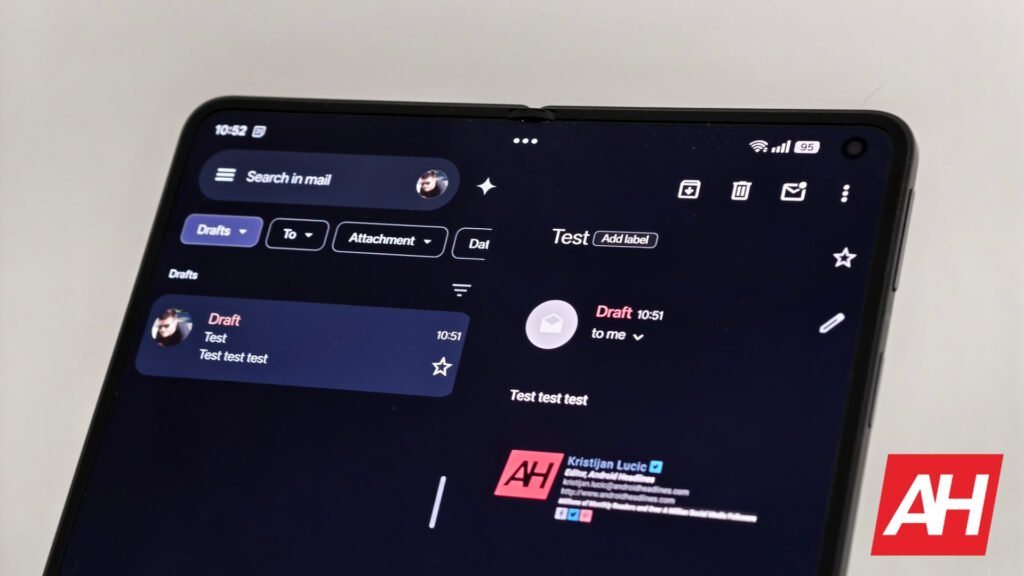

Gmail’s desktop version has had a feature that allows users to create and manage labels for over a decade. The search engine giant introduced this feature for the iOS app around 2019. The brand has finally released the create and manage labels feature for Gmail’s Android app.
Google has been testing this functionality for the Android app since December last year. Some people spotted the feature in the “v.2025.12.29.855765709.Release” of the application earlier in January as well.
Gmail’s Android app finally lets you create and manage labels
Gmail for Android is finally catching up to the iOS counterpart with the addition of the labels feature. Users can now finally create and manage labels directly within the Android app. These can help you organize the emails you receive and keep the important ones easy to access.
The new functionality is available in Gmail’s Android app’s overflow menu. You can access it by tapping the hamburger button at the top-left corner of the app. There’s a new option to create a label over the existing labels. You can tap the Create Label button, which will let you enter a suitable name for it and save it.


The new feature is available in the overflow menu
This newly created label will appear alongside the other labels in the overflow menu. You can also edit or delete a label. To do so, go to the Settings menu, choose your email address, and select the Manage Labels option. This setting allows you to change the name and the frequency of the label, apart from deleting it.
Unfortunately, there’s no option to change the label color at this time. However, it should be coming in the upcoming Gmail app updates. You can assign a label by long-pressing the particular email.
Google hasn’t yet widely rolled out this feature, as only some users have received it so far. Also, Gmail’s support page doesn’t mention this feature as of yet. However, we are quite certain Google will make this feature available to all users before the end of February.
The post Gmail’s Android App Finally Gets Create and Manage Labels Feature appeared first on Android Headlines.