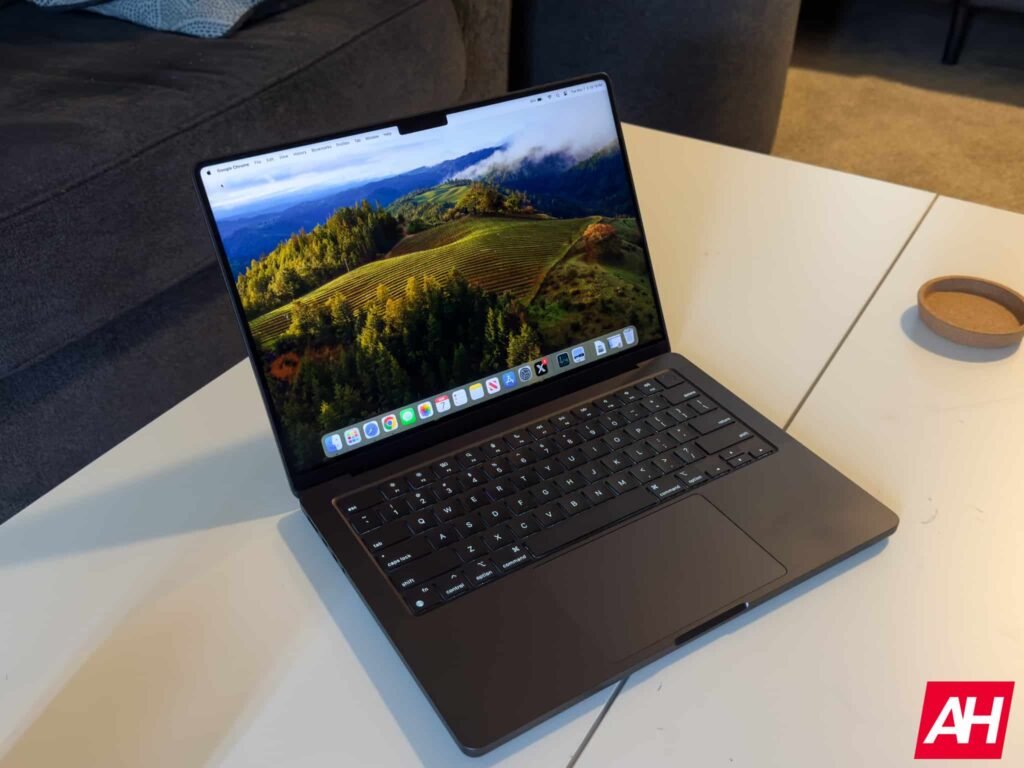

Even until today, there is still a bit of a myth suggesting that Apple’s macOS platform is “safer” than Windows when it comes to malware. That’s not entirely accurate. Windows has a larger user base and is used in the enterprise. This makes it a more attractive platform to steal from. But it doesn’t mean macOS is necessarily more secure. In fact, a recent report from Malwarebytes suggests that macOS is becoming a more attractive target, with attackers luring victims with fake CleanMyMac apps, which can drain crypto wallets.
macOS becomes a more attractive target for malware
For those unfamiliar or who have never used macOS before, CleanMyMac is a popular utility tool for Mac computers. It’s designed to help users remove system junk, delete unnecessary files, system logs, caches, and more to help free up storage. It can also help optimize your computer by managing login items, freeing up RAM, and so on.
So, it’s not surprising that many Mac owners might have a copy of the app installed. This is something that attackers are trying to take advantage of. The report claims that there is a very convincing fake version of the CleanMyMac app, which tricks users into installing malware that can steal from their crypto wallets.
However, while the website might look believable, the instructions should be a dead giveaway that it’s fake. This is because it asks visitors to the site to paste a command into Terminal. For the most part, proper apps should never require you to paste commands into Terminal to install them.
Yes, we know that there are some apps that might require Terminal, but those are a rarity. Also, those are probably much more advanced apps that the average user might not bother with.
So, what happens when you paste the command?
According to Malwarebytes, when the command is pasted, it will install SHub Stealer. This is a macOS malware that can steal sensitive data. This includes passwords, browser data, Apple Keychain content, Telegram sessions, and even your crypto wallet. This fake CleanMyMac app even goes as far as modifying crypto wallets so attackers can later steal the wallet’s recovery phrase.
Thankfully, it’s not that hard to prevent your Mac from getting infected. Just make sure that apps you install come either directly from Apple’s App Store or from the developer’s website. In CleanMyMac’s case, it is available from MacPaw’s website.
The post Fake CleanMyMac Apps Are Draining Mac Users’ Crypto Wallets appeared first on Android Headlines.


