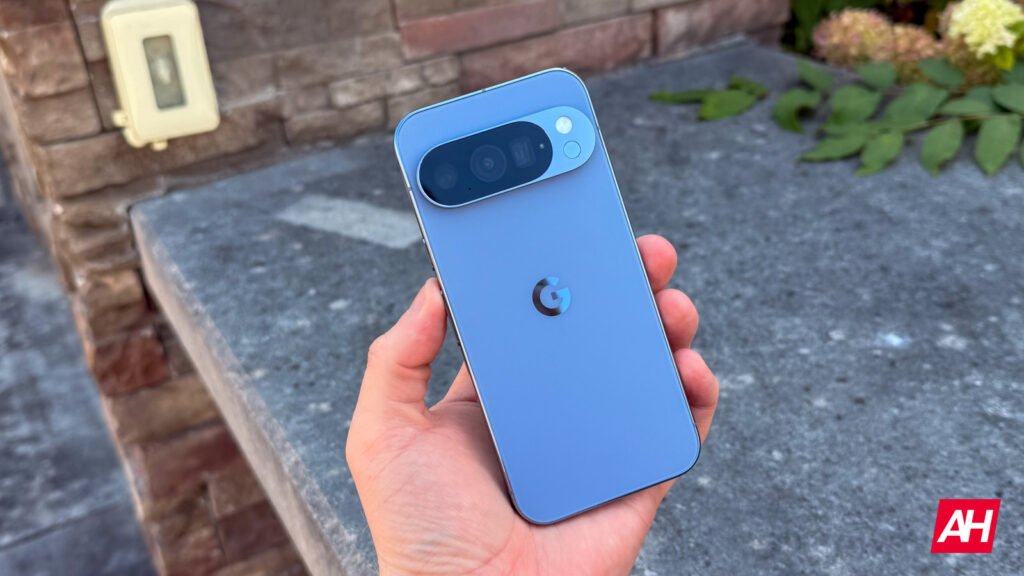

Google Pixel devices offer a potentially very useful “Quick Tap” feature. We say “potentially” because it doesn’t always work as it should. In theory, the feature allows you to double-tap the back of the device to trigger an action. However, in practice it has been a source of frustration for many users due to its notorious unreliability. That said, the latest Android 16 QPR2 update appears to have quietly fixed the long-standing sensitivity issues affecting the “Quick Tap” gestures on Google Pixel devices.
“Quick Tap” promises to offer a convenient shortcut for taking screenshots or turning on the flashlight. Basically, it’s a quick way to activate some of the most useful features. So, a potential fix for this feature would represent a welcome improvement in functionality on eligible phones.
Google Pixel’s “Quick Tap” back gesture finally works in Android 16 QPR2
Google did not mention the improvement in its official Android 16 QPR2 update changelog. However, reports from Pixel community forums and Reddit indicate a major boost in the feature’s reliability.
Like many modern features of Google Pixels, “Quick Tap” works by using a machine-learning mode. It recognizes the specific accelerometer and gyroscope movements associated with two rapid taps on the phone’s back panel. In the past, this delicate balancing act—intended to prevent accidental triggers from bumps in a pocket—made the feature feel inconsistent. Users often had to tap too forcefully or repeat the gesture multiple times for the phone to register the command.


Following the QPR2 update, users are reporting consistent success (spotted by Android Authority). Some even claim flawless streaks of 10 successful triggers. This is a significant improvement that transforms the Quick Tap feature from a software gimmick into a genuinely reliable shortcut.
The most likely explanation for the fix is a simple, yet powerful, recalibration of the sensitivity filters and confidence scores within the machine-learning model. Quality-of-life changes in these mid-cycle QPR releases often involve small tweaks to these on-device classifiers. Even a slight adjustment—like this one—can drastically improve real-world success rates.
How to use the feature
If you are a Pixel owner running the latest update, you can set up Quick Tap to perform several actions, including launching an app, toggling the flashlight, or capturing a screenshot.
To enable the gesture, simply navigate to Settings > System > Gestures > Quick Tap to start actions.
Here are some tips for the best experience using the feature. The Quick Tap gesture works optimally when you hold the phone and tap the middle-back area with two quick, distinct motions. If you prefer lighter touches, make sure to turn off the “Require stronger taps” option.
The post Android 16 QPR2 Makes Pixel’s Quick Tap Gesture Actually Reliable appeared first on Android Headlines.