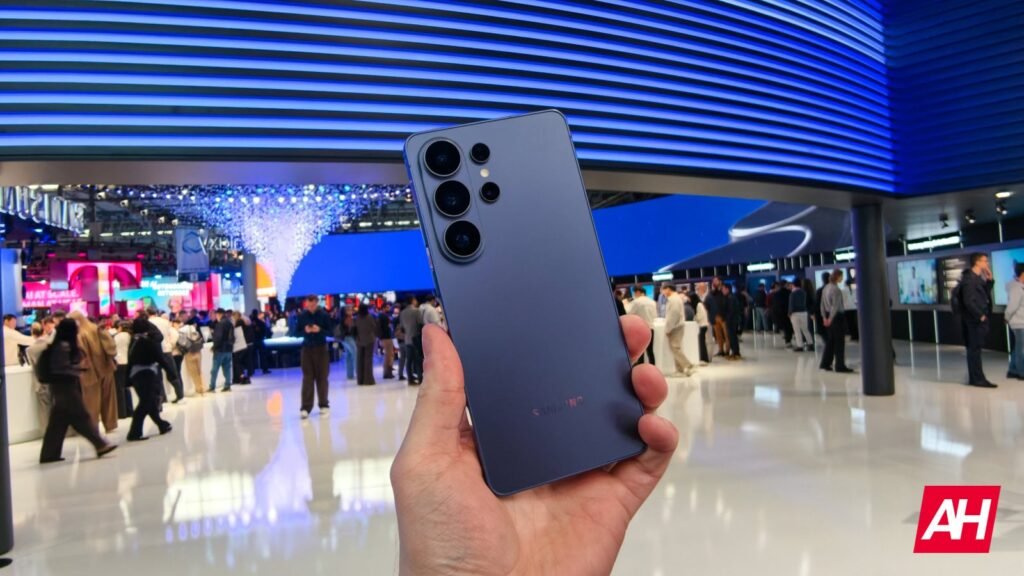

Samsung is making it much harder for phone scammers to talk Galaxy users into turning off their security protections. Inside the new One UI 9.5 beta, Samsung blocks you from disabling Auto Blocker or changing its settings while on an active call. If you try to flip the switch mid-conversation, the phone shows an error message and refuses the change until you hang up.
According to Android Authority, the restriction targets a common scam where callers pretend to work for a bank or tech support team. Fraudsters often push victims over the phone to turn off security settings so they can sideload malware and steal personal data. Locking Auto Blocker during calls forces victims to end the call before installing any outside software.
Borrowing a smart Google safeguard
Samsung’s move follows Google’s recent anti-scam updates in Google Play Protect and Android 16. The changes stop users from disabling protections or sideloading apps mid-call. On Galaxy devices, Auto Blocker prevents unauthorized app installs, risky USB commands, harmful messaging attachments, and unapproved software updates. The feature includes both standard protection and a stricter Maximum restrictions mode, neither of which you can change while on a call.


Once the call ends, full control returns right away under Settings, Security and privacy, and Auto Blocker. Samsung also includes an option that automatically turns Auto Blocker back on after 30 minutes if you switch it off temporarily to install a trusted APK. Keeping that automatic restore toggle enabled ensures your phone stays protected even if you forget to turn the feature back on.
Rolling out in beta first
The call restriction is already active in the first One UI 9.5 beta for the Galaxy S26, Galaxy S26+, and Galaxy S26 Ultra across six test countries. Because the tool works smoothly in early builds, it should carry over into the final public update. Samsung is expected to launch stable One UI 9.5 alongside the Galaxy S27 series in early 2027.
For most Galaxy owners, this change adds practical protection without getting in the way of everyday phone use. Phone scammers depend on panic and urgency to keep victims talking while walking them through settings menus. Freezing those toggles during a live call removes one of their favorite tricks.
The post Samsung’s One UI 9.5 Just Ruined a Favorite Phone Scam Trick with One Smart Change appeared first on Android Headlines.