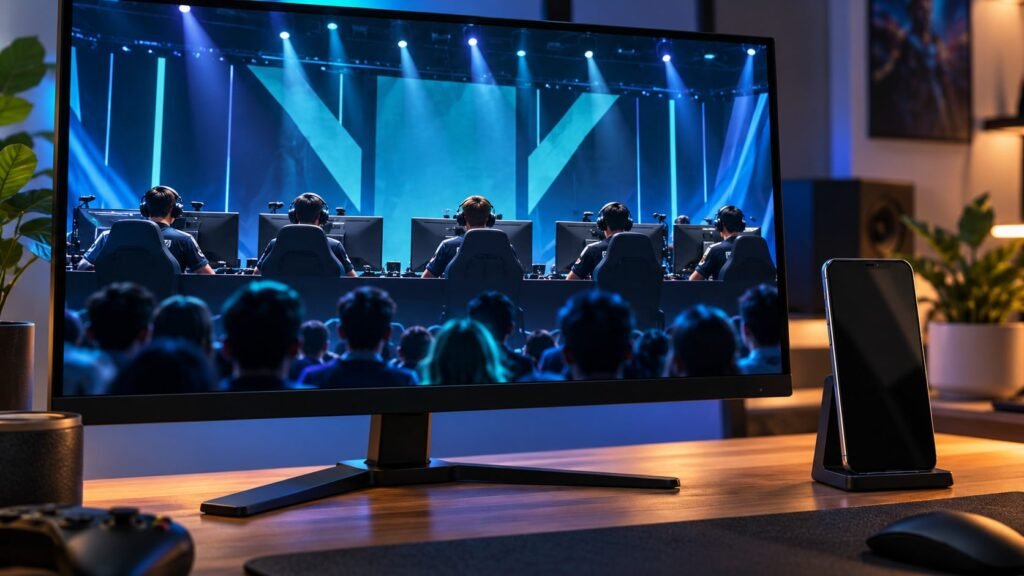

A second screen earns its place beside an esports broadcast by answering something the video leaves out. That might be the score in another series, detailed match statistics, or the next fixture on the schedule. The best arrangement depends on how much of that information needs to stay visible. A phone suits brief checks, a tablet gives reference pages more room, and a desktop companion display can hold several pages while the main screen carries the match.
Choosing the broadcast comes first. Twitch and YouTube both carry esports coverage, and Hatchet’s analysis of viewing in 2025 distinguishes official broadcasts from community co-streams. That choice determines the commentary accompanying the action. Scores and statistics serve a separate purpose: they let viewers consult specific information without changing the broadcast. The companion screen supplies the reference material, while the main display remains large enough to follow the match itself. A preferred stream can remain the main picture across all three arrangements.
Score trackers
A score tracker is the first reference to consider because it supplies a compact overview without requiring another video feed. For Counter-Strike 2 (CS2), a page that tracks every pro match live serves as a reference alongside the broadcast. Scores establish the result or current position. A separate statistics reference describes particular aspects of play. Check whether the displayed figure describes one map or the series as a whole; a completed result answers a different question from a live score. The useful companion view keeps the relevant team names, match identity, and scope understandable together. It does not need to reproduce the commentary or crowd the screen with every available number.
TV or monitor plus an Android phone
This arrangement gives the broadcast its own display and the reference pages their own controls. The phone can stay on the score page during play, with other information kept in separate browser tabs. The score reference gets the phone’s full screen, while the video keeps the larger display. Scrolling through a companion page leaves the main picture untouched. This separation is straightforward for information that can be read in one brief view: team names, the score, and the match label.
Browser organization becomes useful once the references extend beyond one page. Vivaldi introduced Accordion Tabs on Android in its May 2026 mobile release. The grouping controls sit under Tabs and Tab Stacking in the browser’s settings. Related tabs expand and collapse together in the tab bar. A schedule and score reference can stay in one group while each page opens individually. The feature organizes switching between pages, with one reference occupying the browser view. Each page retains its own layout, so a detailed statistics table still needs enough space to be read.
A tablet for larger reference pages
A tablet suits a reference page whose meaning depends on several columns. The useful comparison is how much of the table stays readable without horizontal scrolling. Player names identify the rows; column headings establish whether the figures are totals, averages, or percentages. Keeping both visible makes the table easier to consult alongside the broadcast. More screen area is useful when it preserves those relationships, rather than simply enlarging a cramped page.
Statistics also need their measurement period. A per-map total describes one map; a series total covers all maps played. An average describes a different measure from a count. Those labels determine which figures can sensibly be compared. The display helps keep the information together; it does not change what the figures represent. With video on the main screen, the tablet can give the reference its full width. One device presents the action, and the other presents the detail being examined.
A desktop companion display
A desktop companion display suits references that need to remain visible together. Separate browser windows can give a score page, schedule, and match statistics their own space without displacing the main broadcast. Together, those windows form a dashboard: several references visible in one workspace. The arrangement is particularly useful for comparing information between pages, because one reference need not disappear when another is opened.
The layout should follow the amount of information each page contains. A compact score reference needs less room than a table with several labeled columns. Equal-sized windows can waste space on one page while squeezing another. Keeping the broadcast on the main display also separates video controls from reference navigation. A companion window can be moved or resized without changing the size of the match picture. The reference pages retain their own labels and controls. Making room for the information present is more useful than shrinking every page to fit an identical box. A schedule needs its match names and times; a statistics table needs the headings that explain its figures.
The chosen broadcast supplies the main screen’s commentary. A second video can add another commentary track alongside another picture. Keeping the companion display on scores and statistics leaves the broadcast’s sound attached to the action on the main screen.

Choose the screen around the reference
The deciding question is whether the companion information will be glanced at, read closely, or compared across pages. A score label that is readable on a phone does not require the same layout as a detailed table. The larger setup earns its place when more information genuinely needs to remain visible. Once the broadcast and reference material each have enough room, the screens can perform their separate jobs without continually replacing one another.
The post The best second-screen setups for watching esports appeared first on Android Headlines.


