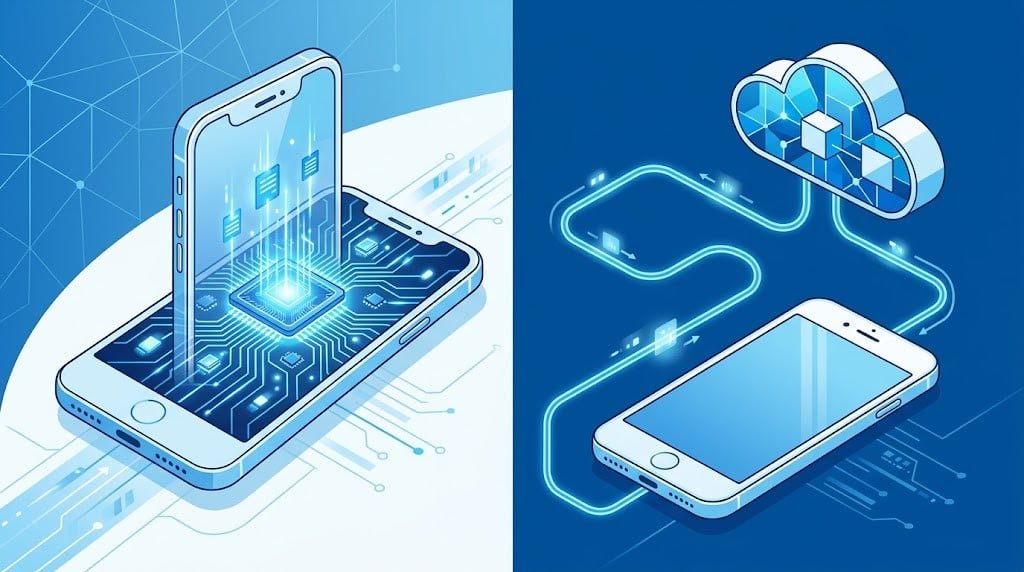

Your phone just transcribed a voice memo, blurred a stranger out of a vacation photo, and summarized a text thread, and none of that data left the device. A year or two ago, all three of those tasks would have made a round trip to a data center before you saw the result. That shift, from cloud-dependent to on-device, is one of the more consequential changes in how phones actually work right now, and most people using it every day have no idea which of their AI features are happening in their pocket and which are happening somewhere else.
Why it matters which one is doing the work
On-device processing means your data stays local, the feature works with no signal, and the response arrives without a network round trip. Cloud processing means access to a far larger, more capable model, at the cost of an internet connection and, for privacy-conscious users, data leaving the device at all. The difference isn’t just a matter of preference either; it shows up as a measurable gap in how a feature actually feels to use.
Independent testing backs up that tradeoff with real numbers. On-device processing on modern flagship silicon has shown latency in the 25 to 55 millisecond range. Equivalent cloud-based requests, by comparison, typically run 180 to 600 milliseconds, with the difference coming almost entirely from network round-trip time rather than raw processing speed. For a feature like live transcription or smart reply, that gap is the difference between something that feels instant and something that feels like it’s thinking about it.
What’s actually running on the phone itself
The hardware making this possible is the Neural Processing Unit, or NPU, a dedicated chip block built specifically for the matrix operations AI models rely on, separate from the general-purpose CPU and GPU. Modern flagship NPUs handle several trillion operations per second, enough to run compact, optimized AI models entirely locally.
Google’s approach illustrates how far this has come. Gemini Nano runs through AICore, the Android system service Google’s own developer documentation describes as the foundation other on-device features build on, and Google reports the model now handles roughly two-thirds of common assistant queries locally, without the request ever reaching the cloud. It can produce a timestamped summary of a full hour-long meeting recording in under a minute, entirely offline. Apple’s on-device processing runs through its own Neural Engine, documented separately from Google’s approach but solving the same problem. Samsung takes the most transparent approach of any major manufacturer here, explicitly documenting which specific features run locally and which require the cloud, plus a direct toggle that limits processing to on-device only.
Where the split actually falls
The pattern across every major platform is remarkably consistent once you look for it. Fast, privacy-sensitive, narrowly-scoped tasks run on-device: call screening, scam detection, message summarization, real-time translation. Slower, more open-ended tasks still require the cloud, generating a full image from a text description or drafting a long document from a voice memo, anything that needs the reasoning depth of a full-scale foundation model rather than a compact one.
None of that is a permanent hardware ceiling, though, more a current one. Compression techniques, including quantization and model distillation, are shrinking capable models down to a size that fits on a phone without the quality loss that made early attempts at local AI feel like a downgrade. For now the tradeoff is real: genuinely capable on-device AI needs a modern NPU and typically 12GB or more of RAM, which limits the newest capabilities to recent flagship devices, while older and budget hardware mostly still routes everything to the cloud whether the user realizes it or not.
The hardware fragmentation problem
A feature announced as “on-device AI” on a flagship device may not exist at all on last year’s mid-range model from the same manufacturer, because the chip inside it lacks the NPU horsepower or RAM the feature needs. That gap runs deeper than individual users noticing a missing feature. Developers building apps around on-device inference have to design for it from day one, deciding case by case whether a feature ships as on-device-only, cloud-only, or a hybrid that falls back to the cloud when local hardware can’t handle it.
This is exactly why two phones with the same manufacturer badge can behave completely differently. A flagship released this year might run a given AI feature entirely offline, while last year’s flagship, missing the newer NPU generation, quietly routes that same feature through the cloud instead. Shoppers comparing phones on spec sheets rarely see this called out clearly, since “has AI features” reads the same on a box whether the processing happens in your pocket or on a server somewhere else entirely.
Most serious implementations now route each request dynamically rather than treating on-device and cloud as a binary choice made once. Handle it locally if the device can, fall back to the cloud if it can’t or if the task genuinely needs a larger model. That same question, where should this actually run, and who controls that choice, shows up well beyond phones. The technical details differ by orders of magnitude between a phone’s NPU and an enterprise data center, but enterprises are increasingly formalizing the same decision through dedicated AI deployment infrastructure built specifically to make that choice explicit rather than assumed.
What to actually check on your own phone
If you want to know which of your phone’s AI features are running locally, the fastest test is turning off Wi-Fi and mobile data, then trying the feature. If it still works, it’s on-device. Beyond that, check your phone manufacturer’s own documentation: Samsung explicitly labels which features are on-device versus cloud-dependent, and Google’s Android settings increasingly do the same as more features move to local processing. The split will keep shifting as chips get faster and models get smaller. What’s cloud-only today is a reasonable bet to be on-device within a generation or two of hardware.
The post On-Device AI vs Cloud AI: What Actually Happens When Your Phone Processes a Prompt appeared first on Android Headlines.