
The iOS 27 update is out already and if you haven’t updated to it yet, you should. This is because the update brings about a ton of new features and improvements that should make your phone feel brand new. There are also new iPhone camera features part of the iOS 27 update that could change the way you take photos.
New iPhone camera features arrive in iOS 27
As part of the iOS 27 update, Apple is introducing new iPhone camera features. Given how much we use our phone cameras, this is actually a bigger deal than some of you think.
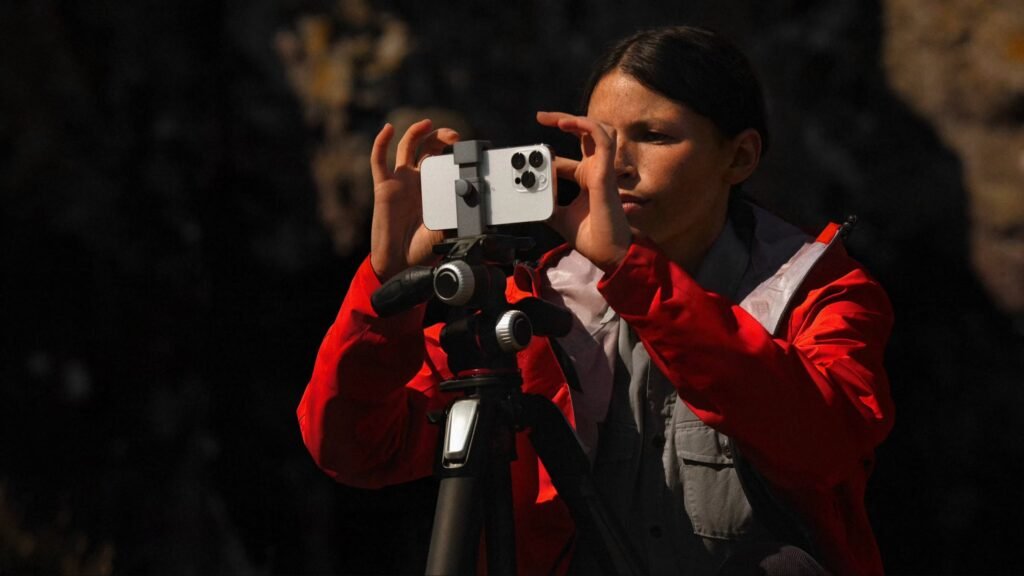
For starters, the camera app has been updated with a new Siri mode. Basically, this turns your iPhone camera into Apple’s answer to Google Lens. You can point your camera at objects and snap a photo, and it will then use the new Siri AI to identify objects, pull up useful information like nutritional data on food, care instructions for a plant, add reminders to your calendar, or translate text.
However, it’s worth noting that this requires you to enable Siri AI first. As it stands, Apple has put Siri AI on a waitlist basis. This means that you need to sign up to be on the waitlist and wait for Apple to enable the feature for you. It will not be enabled out of the box. This wait time varies from user to user.
Some users claim to have gotten access within an hour, while others have waited and are still waiting for more than 24 hours after updating. It’s something you should take note of.
Customizable controls
In addition to Siri Mode, the Camera app now supports customizable controls. This lets users move around various camera controls based on their needs and preferences. For instance, if there are certain camera features or functions you access more often than others, you can move it to a more prominent position. You can also remove controls you rarely or never use.
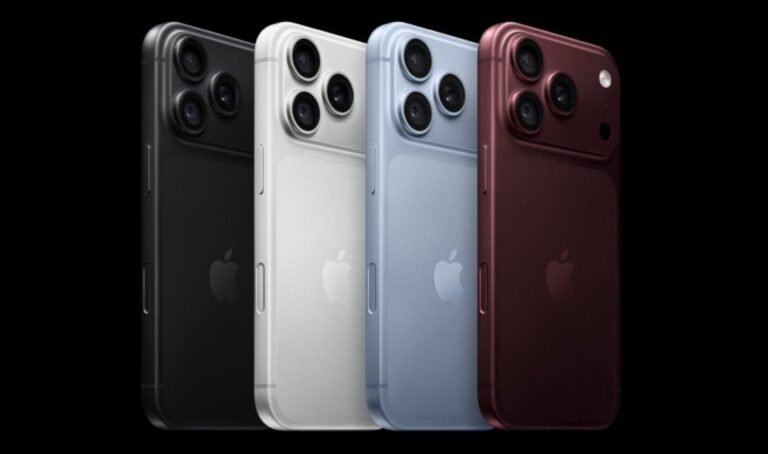
Lastly, Apple is giving its new iPhone 18 Pro exclusive camera features. This includes Pro controls, which give users more manual control over the camera. There’s also a new Photographic Styles 3 pack that adds new texture and grain controls. Lastly, there’s a new Apple Reference Image feature.
This is basically a digital negative that shows and lets users verify what the camera originally captured. This is useful for trying to determine if an image has been edited.
The post iOS 27’s New iPhone Camera Features Include a Google Lens Rival appeared first on Android Headlines.