
One of the simplest ways to boost your productivity has nothing to do with using a new app, overhauling your to-do lists, or mastering some novel note-taking system.
Instead, you just have to type faster—not only on your phone but on a computer, too. By remembering where the keys fall under your fingers and boosting your words-per-minute rate, everything from writing emails to chatting with your preferred AI assistant will get done quicker.
If you’re ready to ditch your old hunt-and-peck habits and invest in effortless touch typing, there’s a free website that can help.
This tip originally appeared in the free Cool Tools newsletter from The Intelligence. Get the next issue in your inbox and get ready to discover all sorts of awesome tech treasures!
Mavis Beacon meets her match
To start becoming a serious touch typist, check out Keybr.
➜ Keybr is a free website whose personalized typing lessons adapt to your skill level.
⌚ It takes a handful of seconds to start learning, though how much time you’ll put into it is up to you.
Keybr stores your progress on your computer; there’s an optional free account to sync progress across devices. You can remove ads from the site with an optional $10 one-time purchase.
Keybr makes a point of not having you type the same letters over and over. Instead, it presents a series of words to type, starting with just a few common letters.
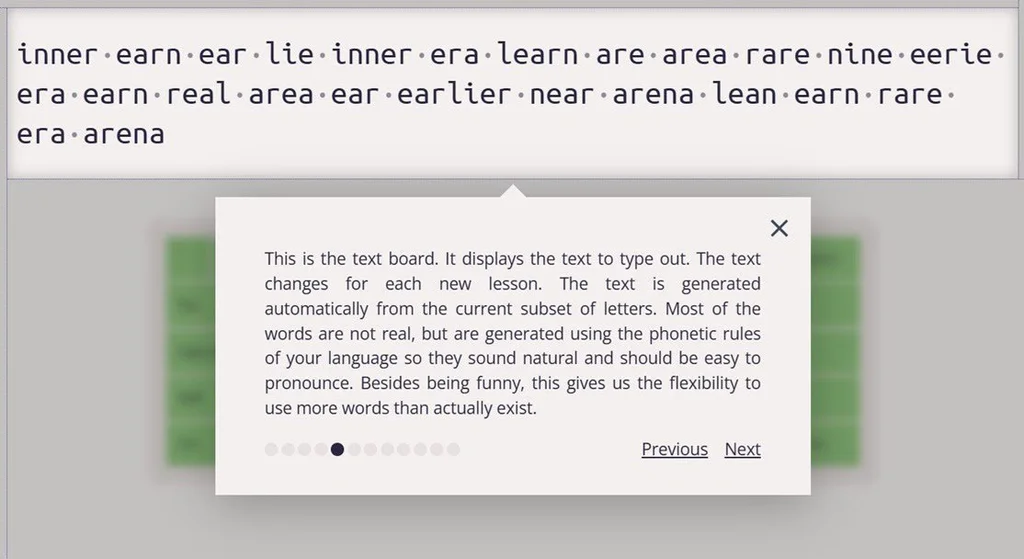
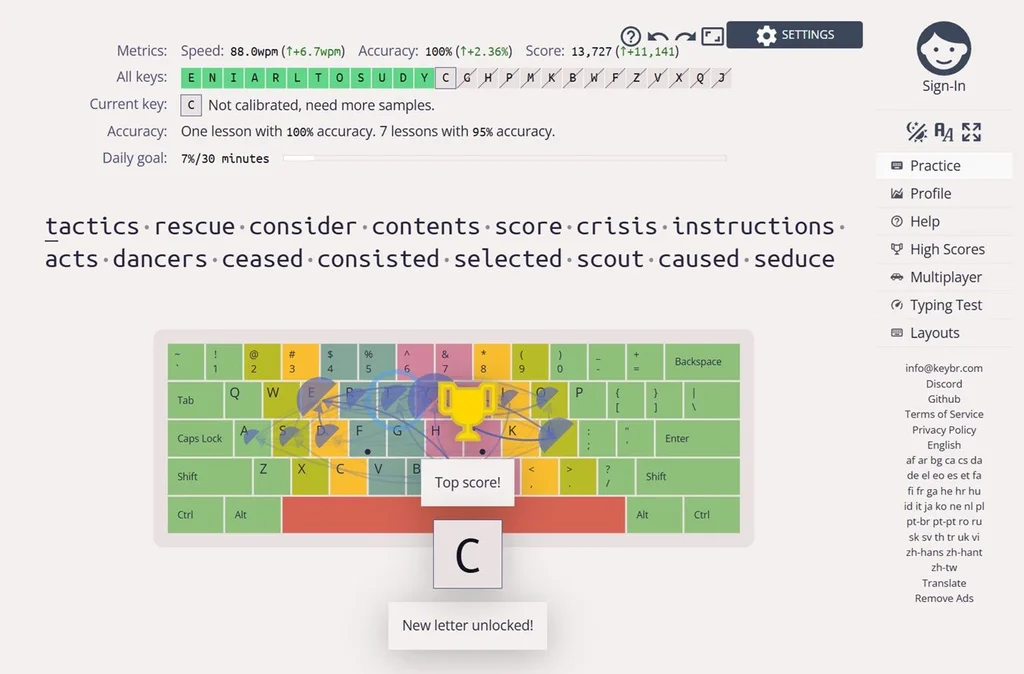
As you work through each test, Keybr gradually adds a greater variety of letters. It also recognizes when a particular key is giving you trouble and will use words with the corresponding letter more often. Meanwhile, the on-screen keyboard helps you see the location of each letter without having to look down at your own hands.
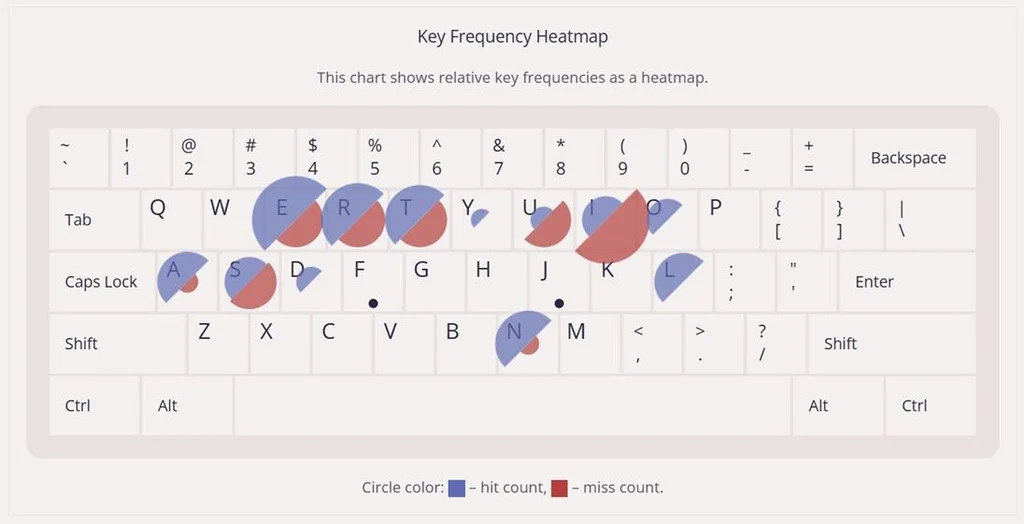
The site also keeps detailed stats on your typing abilities. You can see, for instance, how quickly you type compared to other users, how fast you are at reaching specific keys, and which keys you frequently miss.
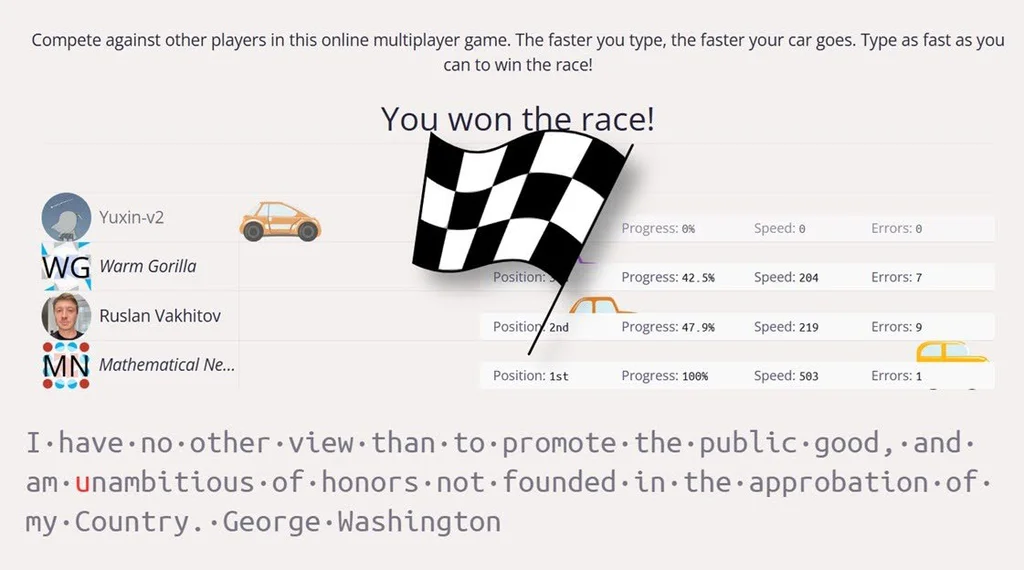
Keybr has a couple other fun features to check out as well. There’s a leaderboard for the fastest typists (though, at 119,048 words per minute, I suspect the current high scorer might be gaming the system), an online multiplayer mode to compete against other typists, and a straightforward typing test with all letters unlocked.
My only nitpick with Keybr is that it provides little guidance on where your fingers should fall, beyond pointing out that your index fingers should sit under the F and J keys. Concepts like the home row, or the more exotic AWEF JIO configuration, are just something you’ll have to figure out on your own.
But hey, you have to start somewhere. And with Keybr at your fingertips, you’ll be flying around the keyboard and shaving seconds off your typing process in no time.
💡 P.S. Use Android? The Intelligence’s Android Speed Typing Masterclass will teach you tons of little-known tricks for firing off text at superhuman speeds in that arena.
- Keybr is a regular website that you can access on any device. While it’s clearly aimed at laptops and desktop computers with physical keyboards, there’s nothing stopping you from using it to work on your smartphone typing chops as well.
- The site is free to use, with an optional $10 one-time purchase to remove ads.
- Keybr doesn’t require any personal information unless you sign in to sync your data, in which case you’ll have to provide an email address or connect your Google, Microsoft, or Facebook account. The site’s ads use cookies for targeting purposes unless you pay to disable them.
Treat yourself to all sorts of brain-boosting goodies like this with the free Cool Tools newsletter—starting with an instant introduction to an incredible audio app that’ll tune up your days in truly delightful ways.