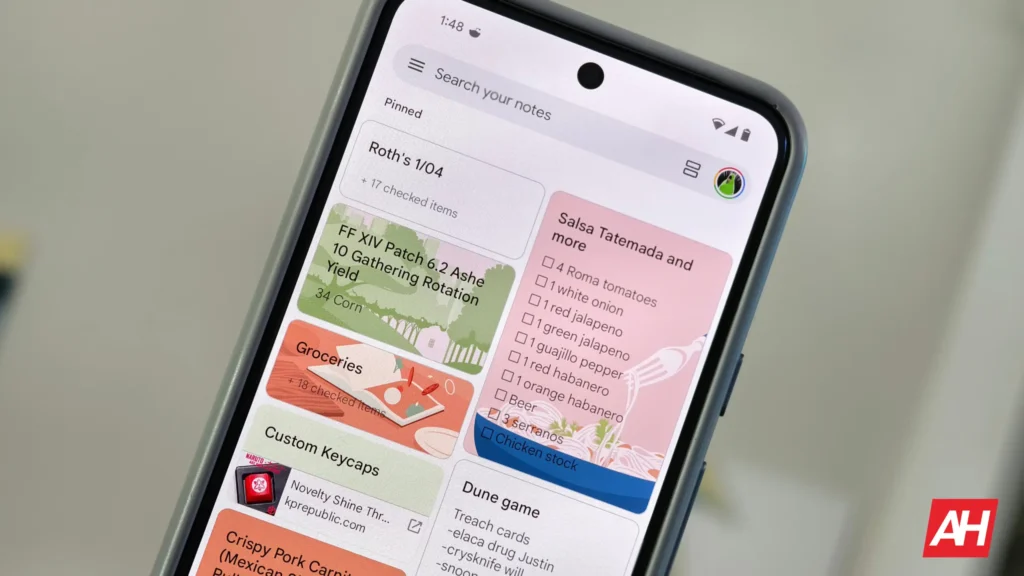

Google seems to be working on a new UI for its note-taking platform, Keep, with the aim of improving the user experience. Regardless of whether you like the current UI, this change is likely coming soon, and your muscle memory will probably take a hit. Here’s what’s been discovered.
Google is reportedly working on a UI refresh for the Keep app
Android Authority, while digging through app version 5.26.301.00.90 of Keep, has noticed some changes being in the works. It seems the changes here mainly focus on the toolbar at the bottom of the page. As a refresher, in the current Google Keep UI, there’s the Plus icon, a Background options button, and a formatting controls button. The tech giant is now reportedly giving this toolbar a makeover of sorts.
The first and most prominent change is for the Add button. It is now larger in comparison and will have a blue color. This reportedly means that the color of the button will no longer change depending on the system colors or background. This probably is not a bad thing. A larger, more distinct button should help you prevent accidental taps.
If you look closely (in the images below), you’ll see that the Background options button is missing. There is now a checkbox button in its place. This will apparently allow you to quickly switch between a normal note and a list. That said, the Background button isn’t entirely going away; it’s just getting a new location.
Not rolling out yet
Tapping the ‘plus’ icon shows the Background option among others in the menu. Like Take a photo, Add image, Recording, and others. This is where the Checkboxes button was previously present. So in a sense, the two buttons have just switched places. Additionally, the new UI also adds Reminder, Labels, and Collaborator to the Add menu.
These were some of the changes that have been discovered. There could also be some others in the works that we don’t know yet. It’s not clear when these changes would roll out to the public, but we’ll keep an eye on it.


The post Google Keep Could Soon Get a UI Makeover appeared first on Android Headlines.