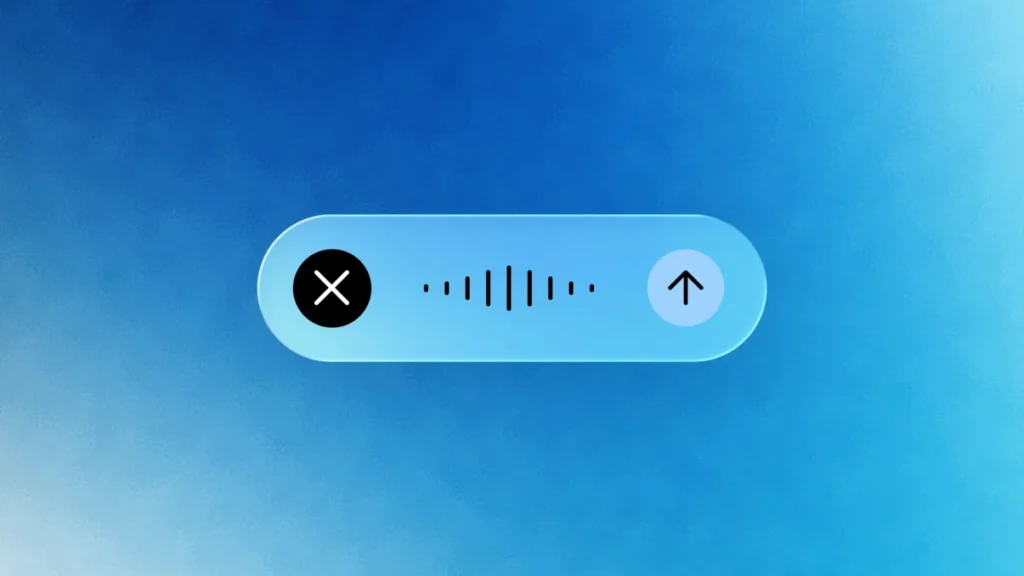

Jumping between active windows, web browsers, and chatbots can easily break your daily flow. To help eliminate that back-and-forth, Google is rolling out the 1.88 update for its Gemini desktop app on macOS with advanced voice controls and context-aware capabilities.
Following an initial preview at Google I/O 2026, the updated app lets users trigger the assistant from anywhere on their desktop by holding down the Fn key or clicking the screen-sharing icon inside the prompt box.
Cleaner voice dictation without the hesitation
The update brings two major functional improvements to desktop interaction, starting with intelligent dictation. Instead of generating verbatim transcripts complete with mid-sentence pauses, awkward hesitations, or filler words like “um” and “ah,” Gemini automatically filters out background verbal noise.
Speech is formatted on the fly and clean, edited text is inserted directly at the active cursor position. This speech-to-text behavior is also how Gboard Rambler behaves on Gemini Intelligence mobile devices, making spoken drafting feel much more polished.
Screen-aware reasoning for inline editing
In addition to transcription, the update also offers optional screen-aware reasoning, which requires users to opt-in explicitly through app settings. When enabled, Gemini analyzes open files, active documents, or desktop images to assist with complex tasks across different software. For example, users can highlight messy meeting notes in a word processor and verbally instruct Gemini to rewrite them into a structured executive summary.
The assistant can also extract information from open documents—such as summarizing medical records into an email. It can also modify images on screen by asking for dark mode variants. The AI interacts directly with highlighted text where the cursor sits. So, users never have to manually copy and paste content into a separate chat window.
For those concerned about privacy, Google keeps screen reasoning completely disabled by default until turned on in preferences.
Availability and rollout details
The updated voice experience is currently rolling out globally to all Gemini for macOS users in English. Plus, there’s support for additional languages expected later this year.
The post No More Window Switching: Gemini App for Mac Now Understands Your Active Screen and Voice Shortcuts appeared first on Android Headlines.