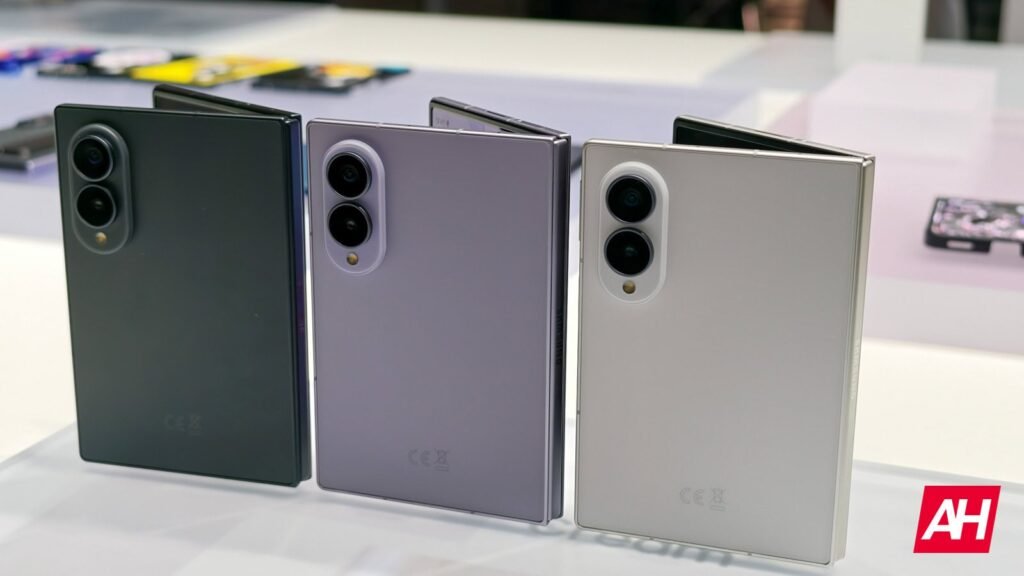

If you’re eyeing Samsung’s new wide foldable and wondering about storage expansion, here’s the short answer: no, the Samsung Galaxy Z Fold 8 does not have a microSD card slot.
This isn’t a surprise, and it’s not unique to this phone either. A phone from the Galaxy Z Fold series has never offered storage expansion via a microSD card slot, and Samsung has reserved that feature for its much cheaper models rather than its flagship lineup. The same held true for the Galaxy Z Fold 7 last year, and it’s the case again with the Galaxy Z Fold 8 Ultra, so it makes sense Samsung kept that same approach for the standard Fold 8.
Why Samsung Skips The MicroSD Slot
There are two main reasons Samsung keeps ditching this feature. First, there’s the physical space issue. A microSD slot takes up internal real estate that Samsung would rather use for a bigger battery or other components, and squeezing one into an already tight foldable chassis just isn’t worth the tradeoff. Second, there’s performance. MicroSD cards are considerably slower than the UFS storage Samsung packs into its flagships, so leaving the slot out keeps things snappy across the board.
The good news is that Samsung tries to make up for it with generous storage tiers. The Galaxy Z Fold 8 comes in 256GB, 512GB, and 1TB configurations, so most people should be able to find a variant that fits without ever needing a memory card. If you’re a power user with a massive photo and video library, going with the 512GB or 1TB model is probably the smarter move up front.
You can also lean on external storage in a pinch. Just like with the Galaxy Z Fold 7, you can use the USB-C port to connect other storage media, including flash drives and portable SSDs, with the port also supporting adapters. Cloud storage remains the other obvious fallback if you’re running low on space.
For the complete rundown on specs, pricing, and where to buy, check out our full Galaxy Z Fold 8 buyer’s guide, and stick with AndroidHeadlines for more Fold 8 coverage.
The post Does the Samsung Galaxy Z Fold 8 have a microSD card slot appeared first on Android Headlines.