
For years, safeguarding your information on a new smartphone has been a rigid, all-or-nothing deal. If you flipped the master cloud backup switch, Google unceremoniously swept everything—from crucial text logs to forgotten mobile games—into your account storage. Thankfully, that clunky approach is going away. Google has officially started rolling out granular, per-app backup controls for Android devices, introducing dedicated toggles that give users precise authority over their digital footprints.
Breaking down the new interface
Previously spotted within a Google Play Services code teardown by Android Authority, this new layout completely reconstructs the data-syncing pipeline. Instead of relying on a unique toggle, navigating to your system backup menu now exposes a brand-new “App data” submenu.
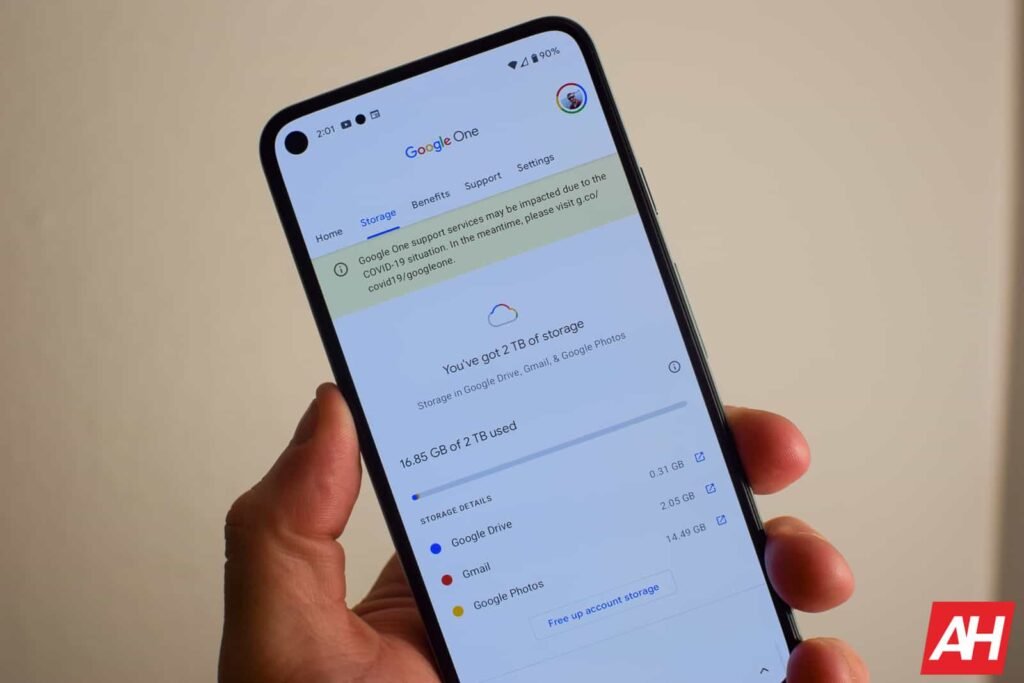
The refreshed panel shows you your top three data-hungry apps and how much cloud space they’re consuming. Expanding the full list reveals every single application resting on your device, paired with a dedicated on/off switch. Turning a specific app off triggers a direct confirmation warning. This explicitly states that the action will halt future cloud uploads and permanently wipe that specific app’s existing archive from your Google account.
It is worth noting that this newfound precision is strictly isolated to app files. The overarching system data tier—which packages your phone call logs, SMS text archives, and core hardware preferences—remains bundled together under the standard master controls for the time being.
According to reports, these custom toggles are rolling out globally to devices running Google Play Services version 26.24.
The Android Headlines Take
This is definitely one of the most subtle yet functional upgrades Google has implemented. Many users have been requesting granular options for years to more specifically choose what they want to include in their backups. This helps you better manage your valuable cloud storage space, which will be especially useful for users whose quota is limited and are close to reaching it.
The update also comes with a privacy boost. After all, now you can confidently block sensitive local apps from syncing data to remote servers without losing the ability to preserve your system configuration during a factory reset.
The post Google Finally Rolls Out Per-App Backup Controls on Android for Granular Cloud Storage Control appeared first on Android Headlines.