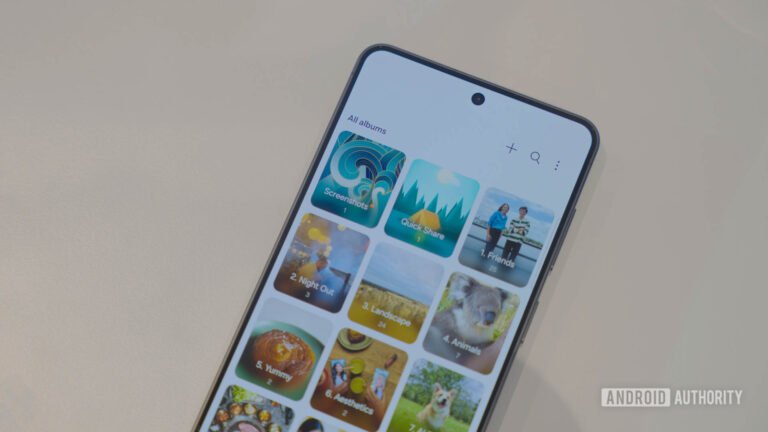
My main reason for paying for a Google One plan is Google Photos — and no, I’m not talking about the extra storage space you get for media. Sure, having ample storage is a solid perk, but I’m very fond of the interesting AI-enabled smart tools Google One unlocks in Photos. Its easy-to-use interface and accessibility are why it has become my default photo management tool on both Android and iPhone.
Whenever I have to tinker with an image before posting it on Instagram, I instinctively fire up Google Photos and get to work with its plethora of AI- and manual-editing tools. Over the years, I’ve found a workflow that helps make my photos Instagram-ready without that overprocessed look. And here I am to spill all my secrets.