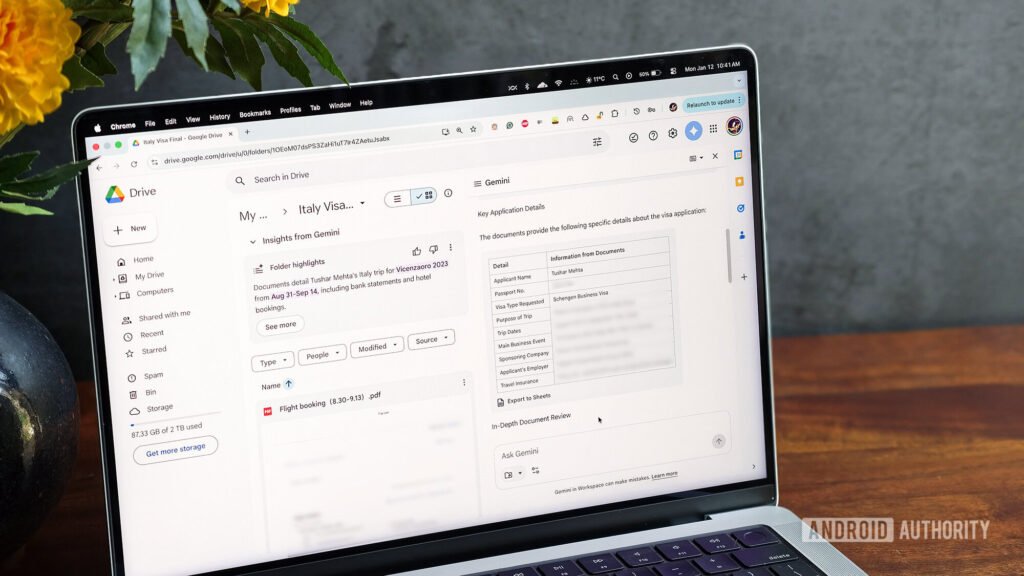
- Gemini in Google Drive can pull specific Gmail threads for better context.
- This can be done through Ask Gemini, a chat interface that lets you work with files stored on your Drive.
- The feature is currently limited to Workspace and paying Google AI users.
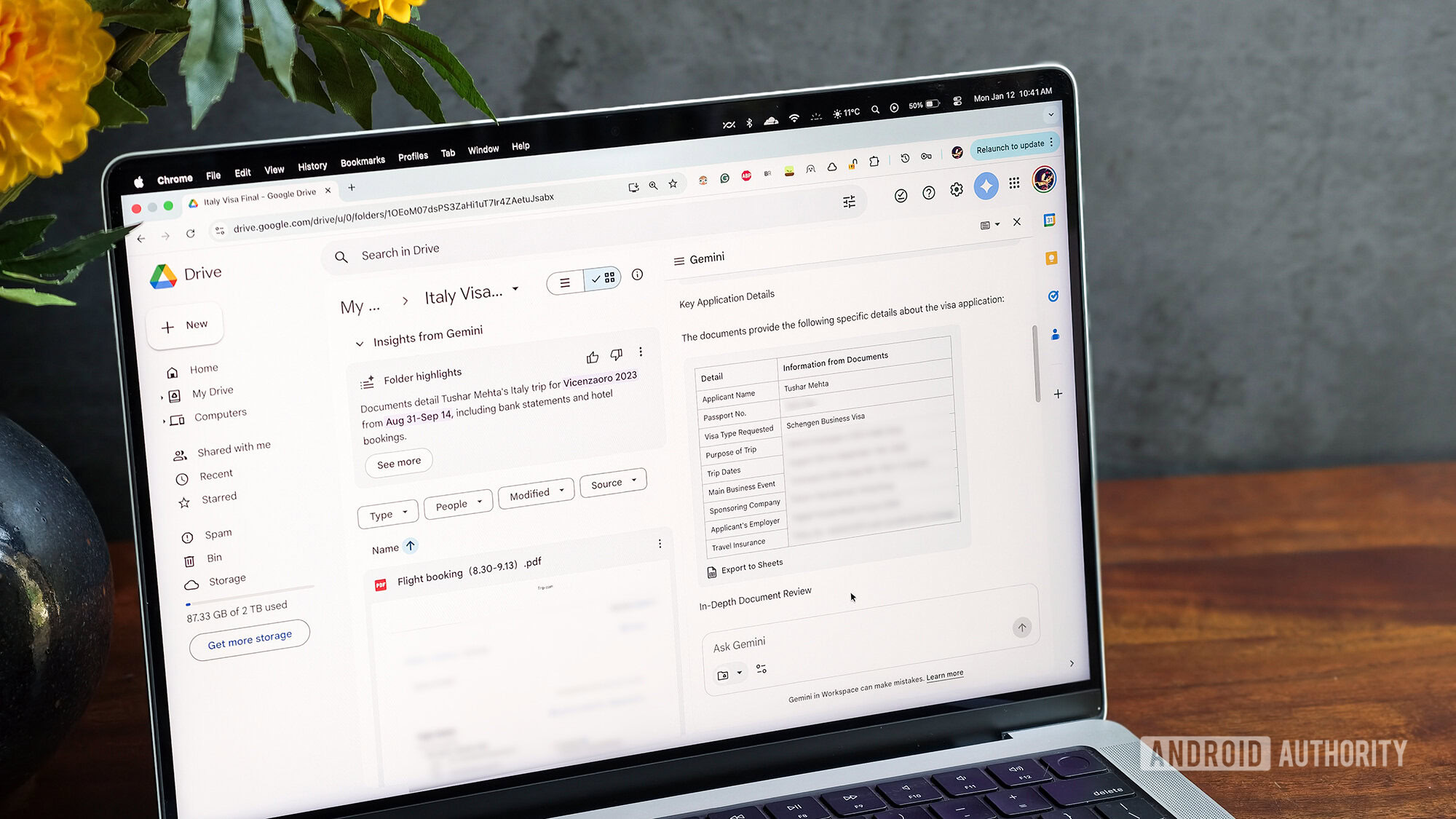
There’s no questioning that Google is bullish on Gemini and wants it to be part of every other product. One of the apps that it proposes benefits hugely from the deep integration of AI is Drive. Gemini in Drive helps users by searching through different files and folders, renaming or organizing them, or answering questions specific to files or folders by peeking inside them. This information is displayed in panels that open on the side of the file or folder preview.
In addition to file or folder-specific side panels, Google also offers a conversational interface in Google Drive, called “Ask Gemini,” where you can ask the AI questions about a broader range of files. To make results more accurate or limit them to a smaller section, you can choose specific files or folders stored in your Drive as sources, just like you would in NotebookLM. And now, you can also include email threads for better context.