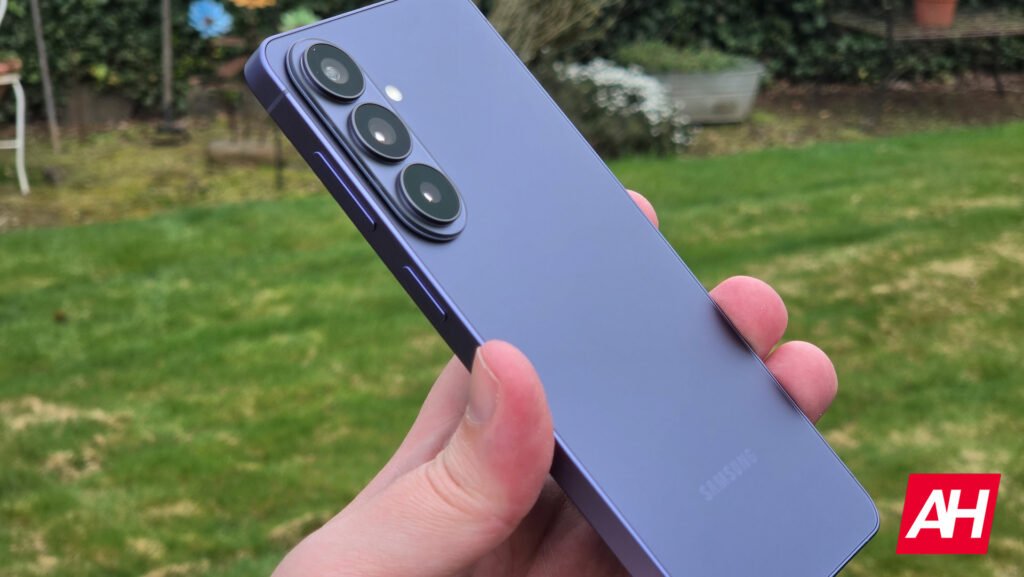

Securing your phone during a stressful situation usually requires a lot of presence of mind. You have to remember where specific safety settings live and tap them before anyone takes your device from you. Samsung seems to realize that under pressure, your natural reflexes are much faster than navigating through menus. In the latest One UI 9 beta 2 software, Samsung is testing a neat security trick that turns your basic instinct to grab the power button into an automatic wall of defense by automatically locking down your device’s options under your fingerprint.
Say goodbye to the extra button
For years, Galaxy users could manually trigger a “lockdown mode” from the power window to instantly turn off fingerprint scanners and facial recognition, forcing a PIN entry instead. According to reports, Samsung completely removed the dedicated button for this feature in the new Android 17-based One UI 9 beta 2. In its place, a slot for medical information now appears to assist first responders in emergencies.
However, the safety measure didn’t disappear; it just became automatic. The moment you trigger the power menu and close it, the operating system activates lockdown in the background. If someone snatches your device while it is unlocked and tries to mess with it, closing that menu instantly locks them out. Your biometrics won’t work, and the device will demand a password (via SammyFans).
Trapping thieves in the interface
The upgrades get even smarter if someone actually tries to turn the phone off to avoid tracking networks. Trying to restart or power off the handset now brings up an immediate security gate. You can open the menu freely, but tapping either function forces you to verify your identity with your PIN first.
Even better, if a thief tries to back out of the screen to access your home apps, the system blocks them completely. The phone essentially traps the user on the power screen until they enter a valid password. It also keeps the device turned on and connected to tracking networks so you can locate it.
Currently, these changes are floating around the early testing phase for Galaxy S26 users across select countries. As Samsung hasn’t officially announced these features yet, the development team could still tweak the behavior based on user feedback before the stable public rollout hits.
The post Samsung’s One UI 9 Trashes the Dedicated Lockdown Button for a Better Security Trick appeared first on Android Headlines.