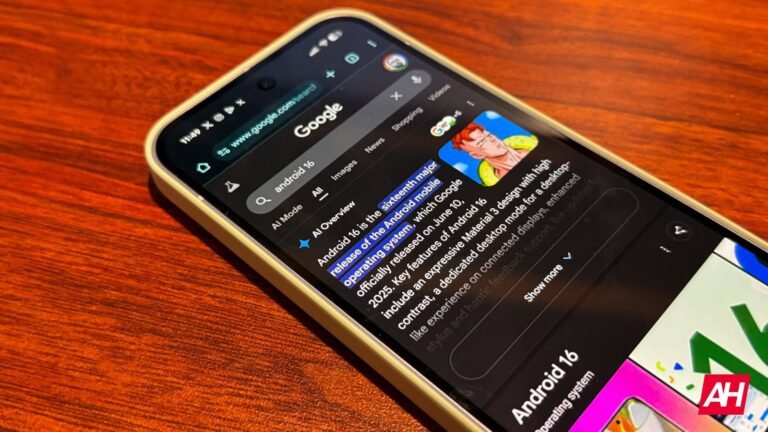

Google is shaking things up when it comes to how it handles search history for users, with a new setting called Search Services History that will be rolling out soon. Alongside it, Google is pushing a second new setting called Personalized Recommendations, and it focuses on exactly what it sounds like. Both settings are new ways for users to gain more control over how each respective thing works.
Search Services History will allow users to control more of how search history works, and Personalized Recommendations will provide more control over how Google handles your recommendations. The overall goal here seems to be taking both things and making them manageable by users in their own separate sections. At current, there is one place for users to manage both the search history and personalized recommendations. So, Google wants to separate them, likely to keep things a bit more organized.
Google says Search Services History lets you manage whether your interactions are saved as search history
With this new tool available, users will be able to decide whether or not their interactions across Google services are saved as search history in their account. Search services are tied into several different Google products. This includes Search itself, as well as Maps, Flights, Shopping, Hotels, Translate, and News.
Google also says that with this change, it can include media, such as images and audio. Although, this will depend on your settings. As for Personalized Recommendations, this will allow Google to offer you recommendations that are based on your interactions. It can include things like personalized AI responses, curated feeds, and results that match your interests. For example, a user searching for pizza a lot will get more results based around the topic of pizza.
It’s worth noting that Personalized Recommendations can be disabled if users don’t want to actually interact with it. Likewise, Search Services History can be disabled as well.
The post Google is giving you more control over how search history works appeared first on Android Headlines.