
Another company is getting ready to adopt a Privacy Display-like feature this year: Xiaomi. The information is coming from Yogesh Brar, a tipster.
Xiaomi devices are said to get Privacy Display with HyperOS 4
He went to X to say that Xiaomi is working on a feature similar to Privacy Display that Samsung released with the Galaxy S26 Ultra. The tipster says that the feature will debut with HyperOS 4 later this year.
That is basically everything he had to say on the topic. That leaves one major question: will Xiaomi’s adoption also be a combination of software and hardware, or will it be strictly a software thing?
The tipster mentioned HyperOS 4, not any device in particular. That kind of points to the fact it will be a part of the update itself and a software-only feature, but that’s not necessarily the case. It’s possible that only some devices, with specific displays, will get it with HyperOS 4.
Apple is also planning to bring the feature to its devices
As many of you know, Xiaomi is not the only company that is planning to implement something like this. Apple is also planning to offer it, starting with the upcoming MacBook Pro, at least according to a recent report.
What does Privacy Display do, exactly? Well, its goal is to block shoulder surfers, essentially. In other words, it’s supposed to keep your information private from strangers, as it obstructs views at an angle.
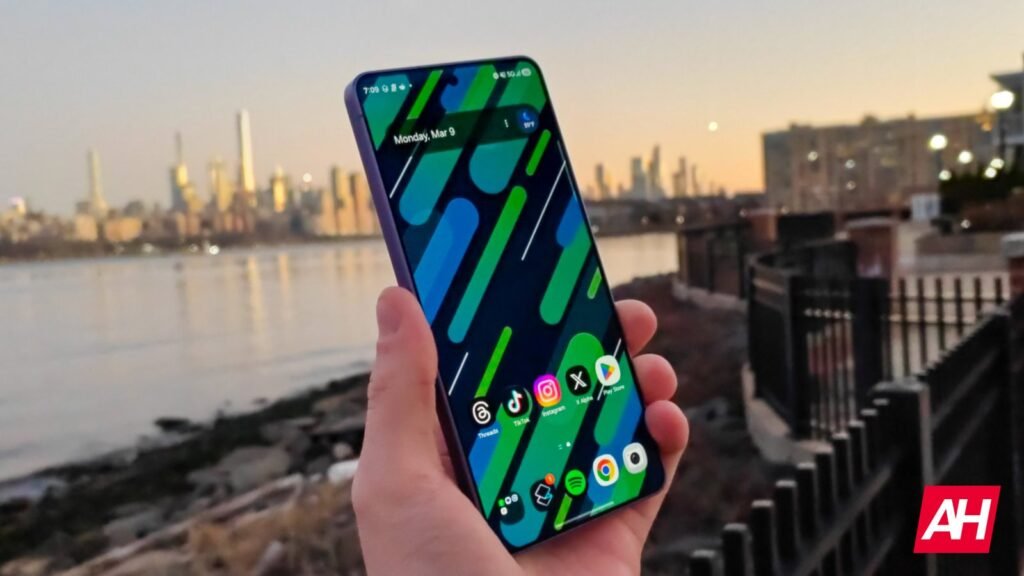
If this feature is active, only you, who is looking at the display straight on, are able to see the contents on the screen. On the Galaxy S26 Ultra, you can tweak the settings, and choose only specific apps you want this active on, and even choose when. It’s a very useful feature, especially for apps you’d like to keep entirely private.
This is a great feature to have when you’re in public transport, for example, and want to do some banking or send some sensitive messages. We assume that Xiaomi’s feature will work in a similar fashion.
The post One of the Galaxy S26 Ultra’s Most Useful Features Is About to Jump to Xiaomi Devices appeared first on Android Headlines.