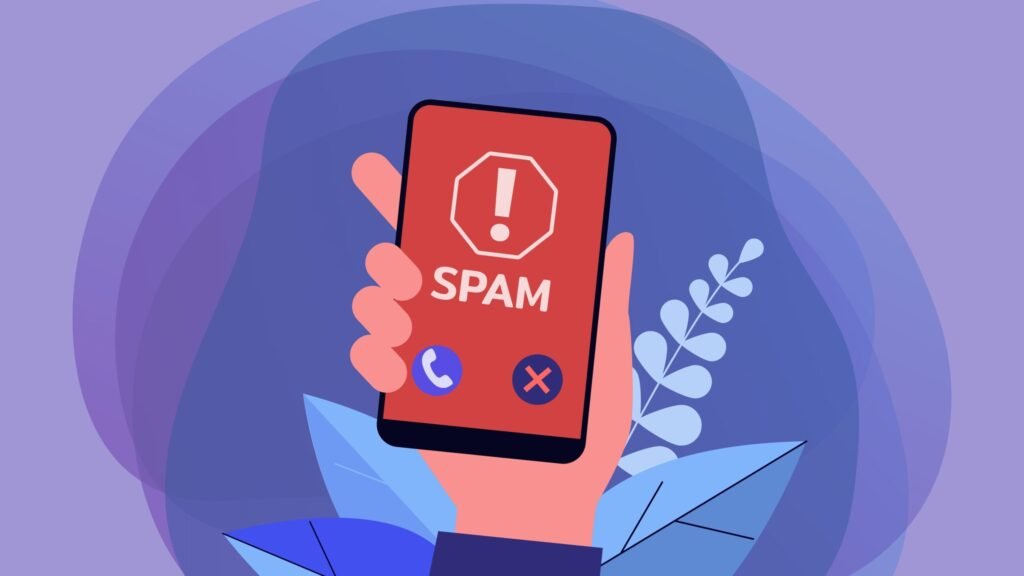

Text messaging used to be purely personal, but now it’s become the easiest way for scammers and marketers to reach people at scale. From fake delivery notifications to account alerts, spam texts are designed to look urgent, and just real enough to get a response.
Sadly, it’s not like you can simply block these numbers and forget all about it. Spammers and scammers constantly change phone numbers and email addresses, generating new ones in the tens and hundreds.
If you want to know how to stop spam texts, unfortunately, there’s no single, easy solution. It has to be a combination of filters, controls, and some behavior changes on your part. Only then will you stop tons of messages from coming.
What Makes Spam Texts So Persistent
Most unwanted texts these days come from automated systems, not people.
What they do is:
– rotating sending numbers or using one-time numbers
– sending messages through email-to-SMS gateways
– testing which numbers are responsive and therefore active
That’s why even after you block numbers sending spam messages, new ones keep appearing. You’re not dealing with a single annoying sender but with an entire network.
To actually block spam texts, you need to rely on filtering, not just blocking.
iPhone: Keep Junk Messages Out of Your Inbox
Apple doesn’t aggressively block spam texts by default, but it lets you filter and separate them so they don’t interrupt you.
Move Unknown Messages Out of View
If you’re trying to block spam texts on iPhone without managing numbers all the time, there’s something you can do:
1. Go to Settings
2. Tap Apps > Messages
3. Enable Filter Unknown Senders
In a way, this will create a second inbox for unknown numbers. Messages still arrive, but they won’t trigger notifications or clutter your main conversations. For most users, this is the single biggest improvement when trying to stop spam texts on iPhone. It’s also the most effective setting to enable before trying anything else.
Cut Off Repeat Senders
Though spammers often generate new numbers, there may be cases where you receive spam from the same source. In this case:
1. Open the message
2. Tap the number or name
3. Select Info → Block Caller
This won’t stop large-scale campaigns, but it helps with persistent sources.
Report Spam Texts
Blocking removes the message from your phone, but reporting helps stop it at a larger scale.
You can report spam texts by forwarding them to 7726 (SPAM), which allows carriers to identify and block abusive senders at the network level.
It takes only a few seconds, but it can reduce how often similar messages reach you in the future.
Add Smarter Filtering
iOS allows external apps to help screen messages before you see them.
Options include:
– RoboKiller
– Hiya
– Truecaller
They can identify patterns that built-in filters miss, improving how well you block spam messages on iPhone.
Use Carrier-Level Filtering
Your carrier may also filter spam messages before they reach your phone.
These network-level protections can automatically block known spam senders, adding another layer beyond your device settings.
Availability depends on your provider, but when enabled, this can significantly reduce the number of spam texts.
Ignore the Message (Literally)
It’s tempting to reply “STOP” or ask who’s texting you. That’s usually a mistake.
If you’re trying to stop unwanted texts, responding can signal that your number is active, which may lead to more messages, not fewer.
Android: Let Your Phone Filter for You
Android generally takes a more proactive approach to spam detection, especially on devices using Google Messages.
Turn On Built-In Spam Detection
To block spam texts on Android automatically:
– Open Messages
– Tap your profile icon
– Go to Messages Settings > Spam Protection
– Enable Spam Protection
Once active, suspicious messages are flagged or filtered before they reach your main inbox.
Block and Flag Messages
If something slips through, open the conversation, tap the menu (three dots), and choose Block & report spam.
This not only removes the sender but also improves the detection of future messages.
Report Spam Texts
Blocking removes the message from your phone, but reporting helps stop it at a larger scale.
Most carriers allow you to report spam texts by forwarding the message to 7726 (SPAM). This works across major networks and helps identify numbers that should be blocked at the network level.
It takes a few seconds, but it can reduce how often similar messages reach you in the future.
Understand Where Some Spam Comes From
Not all spam texts originate from phone numbers.
Some are sent via email addresses using SMS gateways, which makes them harder to trace and block individually. Filtering tools can catch many of these, but not all of them.
That’s why users trying to stop spam texts on Android often need both filtering and reporting to work together.
Use Extra Protection When Needed
If built-in tools aren’t enough, apps like Truecaller or Hiya can provide an additional layer of screening.
Their effectiveness depends on your device and permissions, but they can help identify newer spam campaigns faster.
Use Carrier-Level Spam Filtering
Your phone isn’t the only place where spam can be filtered.
Many carriers offer built-in protection, which can flag or block known spam senders at the network level, so even before they reach you. It will add another layer of protection beyond your phone’s settings.
Availability and features vary by region and provider. Still, this type of filtering is one of the more effective means of protection.
Reduce Spam at the Source with Data Removal Services
Many spam campaigns rely on data collected by data brokers. These companies gather and sell personal information, such as phone numbers, email addresses, and browsing behavior. Once your number is in these databases, it can be resold and reused across multiple marketing and scam campaigns.
That’s where data removal services come in.
Platforms like Incogni, DeleteMe, and Aura work by:
– identifying which data broker sites hold your information
– submitting removal requests on your behalf
– continuously monitoring and re-requesting deletions when your data reappears
Data removal services aren’t a replacement for filters or safe behavior, but they complement them. They won’t stop the incoming spam instantly, but over time, they can significantly reduce how often your number is rediscovered and targeted.
If You Clicked a Suspicious Link
If you accidentally tapped a link in a spam text, don’t panic, but act quickly.
Start by closing the page and avoiding any further interaction. Don’t download anything or grant permissions. It’s also worth checking your phone for installed apps and removing anything unfamiliar. If you entered login details, change your passwords immediately, especially for sensitive accounts like email or banking.
It’s also a good idea to run a security scan or check your accounts for unusual activity.
Most spam links rely on quick reactions, so stopping early usually limits any real impact.
Why Spam Texts Keep Coming Back
If it feels like spam texts never stop, there’s a reason.
Your phone number can circulate through:
– Online forms and account sign-ups
– Marketing databases
– Data broker platforms
– Previously leaked datasets
Then, it can be reused across different spam campaigns, including texts, calls, and emails. That’s why spam texts often appear alongside unwanted calls and emails – frequently, it’s the same data sources that drive them.
Final Words: How to Reduce Spam Over Time
Spam texts aren’t something you can eliminate, but you can control how many of them you see. There are some things to do if you want to reduce volume:
– Don’t reply to unknown messages
– Don’t click links in unexpected texts
– Limit where you share your phone number
– Enable spam filters
– Report messages
That’s what will actually make the difference. The goal isn’t zero spam but reducing how often it reaches you.
FAQ
How do I turn on the spam text filter on iPhone?
Go to Settings > Apps > Messages and turn on Filter Unknown Senders. This moves messages from numbers not in your contacts into a separate Unknown Senders tab. You won’t receive notifications for these filtered messages.
How do I enable spam text protection on Android?
Open Google Messages, tap your profile icon, go to Messages Settings > Spam Protection, and turn on Enable spam protection. Google will then automatically detect and filter suspected spam texts.
Is it safe to reply STOP to a spam text?
No. “STOP” may work for legitimate marketing messages, but replying anything to scammers only confirms your number is active and can lead to more spam. Only reply STOP if you are certain the message is from a trusted company you previously opted into.
How do I report spam texts to my carrier?
Forward the spam message to 7726 (which spells SPAM). This works on most major U.S. carriers, including AT&T, T-Mobile, Verizon, and Consumer Cellular. Your carrier will investigate the number and may block it network-wide.
Why am I getting spam texts from email addresses instead of phone numbers?
Spammers use email-to-SMS gateways to send mass texts from email accounts, which makes them harder to block by number alone. On iPhone, enabling Filter Unknown Senders catches most of these. On Android, Google Messages’ spam protection also flags email-originated spam.
Can I block spam group texts on iPhone?
Yes. Open the group message, tap the group icon at the top, tap the info button, then scroll down and select Leave this Conversation (for iMessage groups) or block individual senders. For SMS group texts, you may need to block each number individually.
Do spam text blocker apps work on iPhone?
Yes. Apps like TextKiller, RoboKiller, Hiya, and Truecaller integrate with the iPhone’s SMS filtering system. After downloading, enable them in Settings > Apps > Messages > SMS Filtering. They screen incoming texts against spam databases.
The post How to Stop Spam Texts on iPhone & Android (Block Junk Messages for Good) appeared first on Android Headlines.