Pixel users have become quite familiar with a variety of issues over the past few months, and unfortunately it looks like there’s a new one that has popped up with the eSIM to make things a little worse. While there’s a good chance that a lot of Pixel users haven’t experienced a single one of these problems, a significant number of reports from users showcases that these issues are widespread. Boot loop bugs, battery drain problems, and now connectivity issues with the eSIM being the latest Pixel problem users are facing.
Unlike those other issues, this one with the eSIM connectivity problems doesn’t seem to be tied to the latest monthly patch. So that’s something, at least. It’s also worth reiterating that the majority of Pixel users probably aren’t going to experience this problems at all. Luckily, Google has acknowledged the problems via multiple issue tracker threads, and it’s working to fix things it seems. Another silver lining for anyone that’s dealing with this new headache.
The Pixel eSIM issues might be stemming from flashing new firmware
Google has acknowledged these eSIM issues but it hasn’t given an explanation as to what’s causing them. Not yet anyway. According to a report from Android Authority, it’s suspected that these issues are a result of users flashing new firmware as opposed to installing the software through the OTA. Multiple users have cited similar problems, and these users have also flashed the newest Android 17 beta software to their device. So there’s a good chance that this is the cause. However, it hasn’t been confirmed by Google yet.
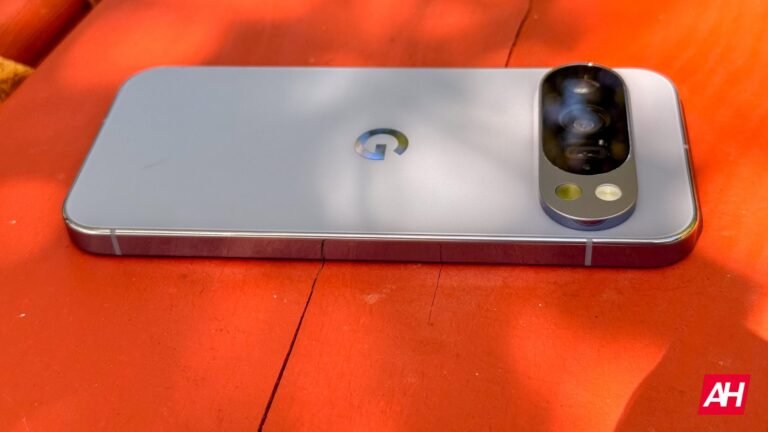
As for the exact problems, some users report having to restart their device every few days to fix connectivity issues. Another user reports their eSIM just no longer works. While others are reporting that they can’t port their number to other services. Again, the issues are varied. It’s also reported that they seem to be most common on the Pixel 9 and Pixel 10 series devices.
The post Pixel phones spawn new problem with eSIM issues plaguing users appeared first on Android Headlines.