Credit: Rita El Khoury / Android Authority
A lot of people equate YouTube Premium with an ad-free watching experience, background playback, and offline downloads, but the paid subscription has way more perks than this. Some of my favorites include the ability to manage playing queues on my phone, “Continue Watching” to seamlessly switch in the middle of videos between my phone and TV, and smart offline downloads when I’m traveling.
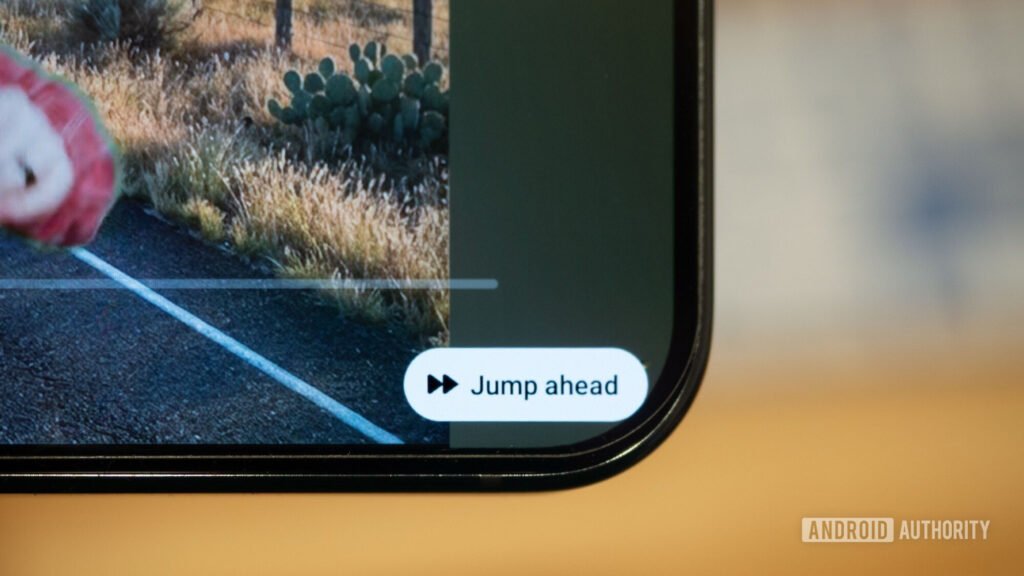
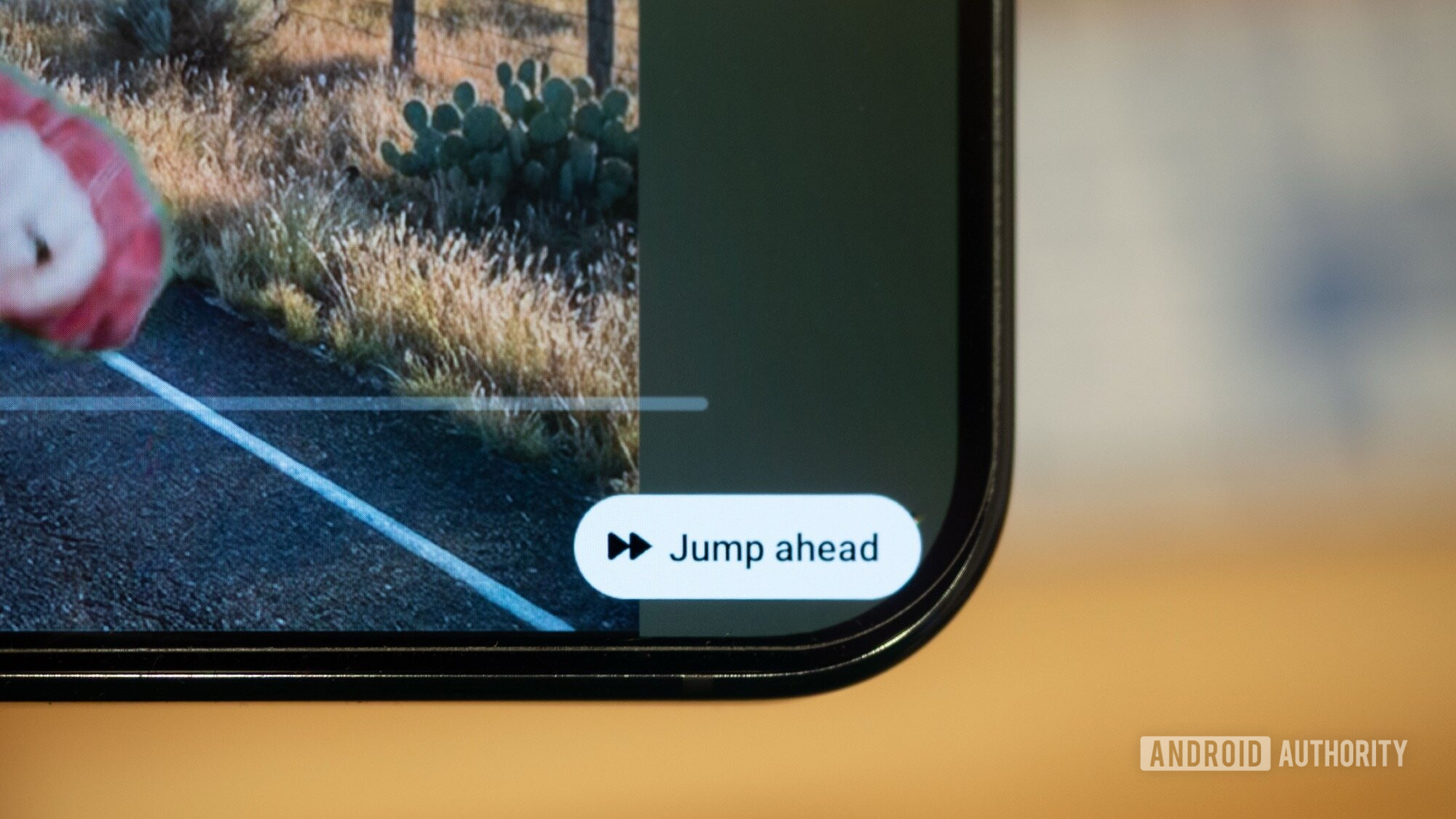
Recently, though, a new feature has become the absolute must-have extra perk of my Premium subscription. It’s the ability to skip lesser-watched parts inside videos, and if you know anything about YouTube videos and people who watch them, you’d know those are almost always in-video sponsor bits. Here’s how to use it if you haven’t tried it yet.