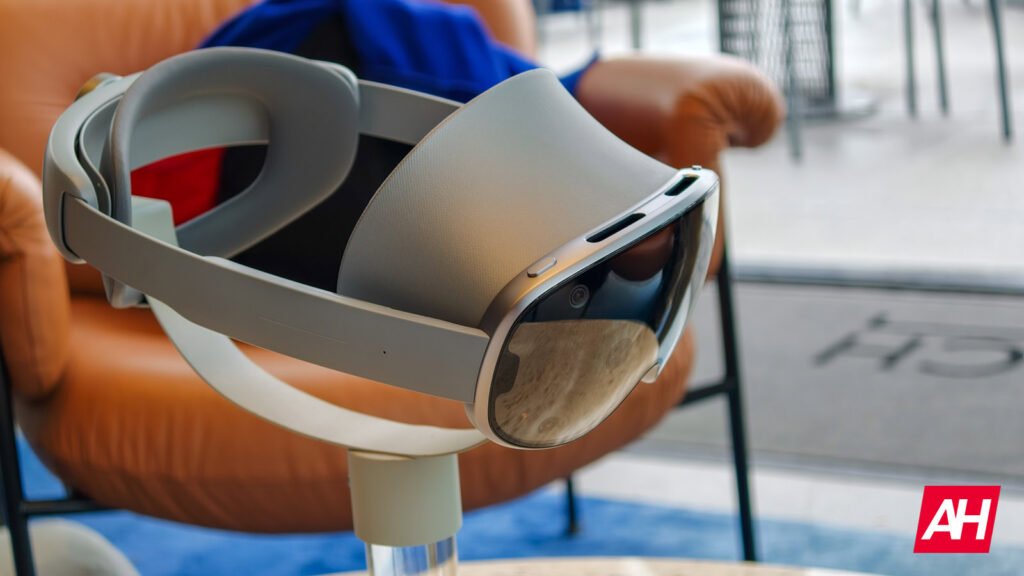

We are moving closer to the 2026 launch of the first wave of Android XR glasses. Samsung, with its Galaxy XR, is currently in the lead. Meanwhile, Google has begun to pull back the curtain on how these devices will actually function. The company just released detailed design documentation that gives us a clear look at how we will interact using gestures with Android XR-powered XR/VR headsets and smart glasses.
As reported by 9to5Google, the documentation mentions two distinct categories for Android XR devices. First are the standard AI Glasses—which rely on audio and cameras—and then the Display AI Glasses, which introduce a visual interface. This confirms that Android XR will not be limited to products with screens but may even be present in competitors to the popular Meta Ray-Ban and similar brands.
Gestures and Gemini: How you’ll navigate the UI on Android XR devices
The physical hardware of these glasses balances traditional eyewear aesthetics with necessary tech controls. Every pair will feature a power switch, a dedicated camera button, and a touchpad located on the stems. For models equipped with screens, a specific display button allows users to toggle the visuals on or off instantly.

Google has designed the camera button to be intuitive. A single tap captures a photo, and a long press records video. Meanwhile, the touchpad handles the heavy lifting of navigation. A simple tap acts as a confirmation or play/pause command, while a two-finger swipe adjusts volume. Perhaps most importantly, holding the touchpad will invoke the Gemini AI-powered assistant, making it a core part of the experience.
Visually, Google is introducing a new design language aptly named “Glimmer.” This interface prioritizes soft, rounded corners to keep the user’s eye from getting stuck in visual “pockets” that sharp edges create.


What you’ll see
On the software side, the Home screen functions much like a phone’s lock screen but lives in your field of vision. A persistent system bar at the bottom provides the essentials—time, weather, and notifications. The rest of the space will show glanceable information and multitasking shortcuts.


A particularly interesting technical challenge involves the physics of these tiny screens. Because these are optical see-through displays, developers must be extremely careful with UI color and power consumption. Google’s documentation reveals that green is the most energy-efficient color, while blue consumes the most power and generates the most heat. To prevent the glasses from overheating, or “thermal mitigation,” apps are encouraged to use unfilled icons and avoid large blocks of white light. This design choice also prevents “halation”—bright light bleeding into the wearer’s surrounding environment.


Safety and privacy
Last but not least, safety and social etiquette also play a role in the design. Each pair of glasses includes two LEDs: one facing the wearer and another facing the public. These indicators provide visual feedback on the device’s state and, more importantly, let standers know when a feature like the camera is active.

Overall, Google is offering a standardized system of gesture-based controls and color-coded prompts in Android XR right from the start. This will make things much straighter for both users and app and service developers.
The post Android XR: Google Reveals Full Controls and UI for 2026 Glasses & Headsets appeared first on Android Headlines.